
How to update menu prices when ingredient costs rise
A repeatable approach when supplier prices climb.
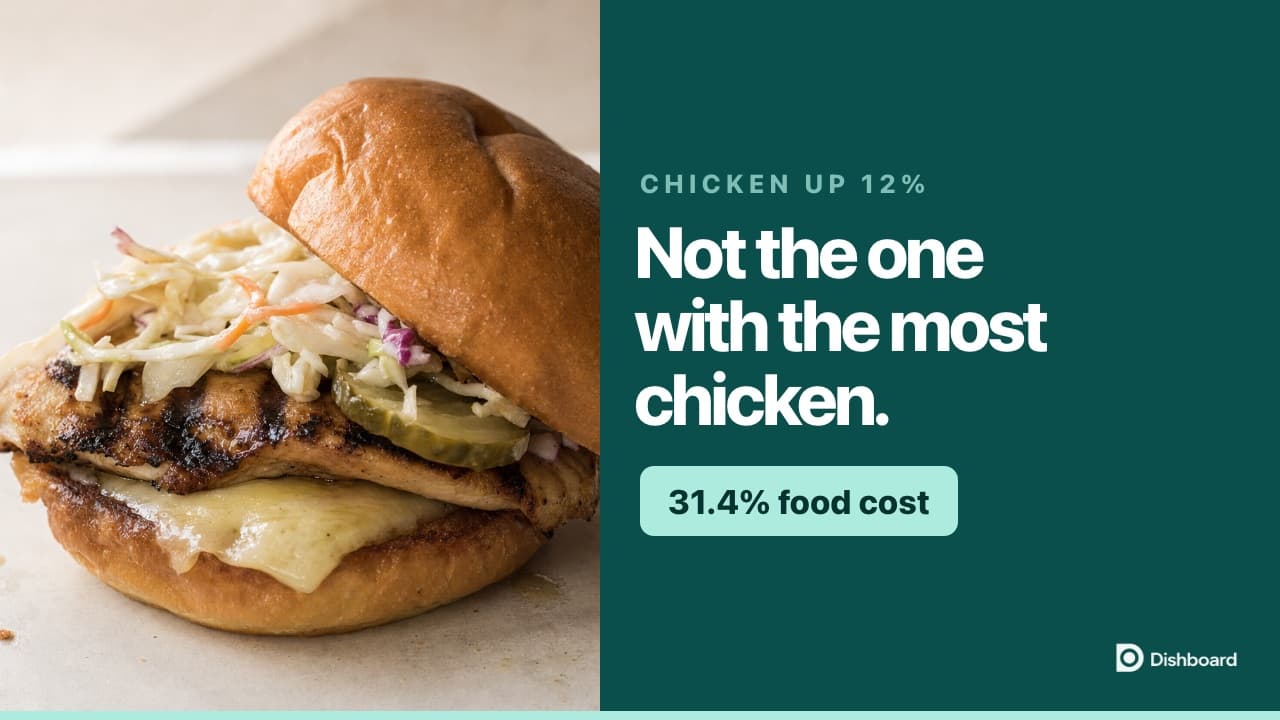
When an ingredient price changes, three things happen to the dishes that use it: cost per portion goes up, food cost % goes up, gross margin % falls.
The disciplined approach
1. Update the ingredient price in one place.
2. Look at every affected menu item.
3. For each, decide: absorb, partially absorb, or fully pass through.
4. Update each affected selling price.
When to absorb
If the increase is small (a few cents per portion) and other items are over-target, absorb it. Do not update menus over noise.
When to pass through
If the increase pushes a category meaningfully above target food cost, update prices, and tell your team why so they can answer guest questions.
Read the transcript
Your chicken supplier emails you tonight, 12% from tomorrow. Chicken breast goes from $12.50 a kilo to $14. You have three dishes with chicken on them. So do you put your prices up? Because the answer is not the one most people reach for.
Here they are. A chicken pasta at $22 with 200 grams of chicken in it. A chicken burger at $10.50 with 160 grams. And a Caesar salad at $17 with 120. Same chicken, three different amounts, three different prices. Before we change anything, have a guess. Which one of these does a 12% chicken increase hurt the most? Most people say the pasta. It has the most chicken on the plate.
So let's change it, not on three recipes. On the ingredient, once. This is the real screen. You type the new price. And before you even save it, it shows you every dish that just moved. The pasta goes from $4.92 to $5.22. The burger, $3.06 to $3.30. The salad, $3.20 to $3.38. Nobody had to remember which dishes have chicken in them, which is the part people actually get wrong.
Now look at what that did to food cost. The pasta went from 22.4% to 23.7%. The salad, 18.8% to 19.9%. And the burger, 29.1% to 31.4%. That is the biggest jump of the three, on the dish with 40 grams less chicken on it than the pasta. Because what moves your food cost is not how much chicken is on the plate. It is how much chicken is on the plate compared to what you charge for it. A $22 plate can hide 200 grams of chicken. A $10.50 burger cannot hide anything.
And that matters because of where they each started. The pasta and the salad were comfortably under target before this, and they still are. The burger was not. Your target is 30%, and the burger has just gone through it. One dish out of three crossed the line, and it is not the one with the most chicken in it.
So what do you actually do? Not a 12% price rise. The increase cost you $0.24 on that burger, $0.24. To get it back to a 30% food cost, the burger goes to $11, which is a $0.50 move. That is a 4.8% menu change from a 12% invoice, on one dish out of three.
The other two you leave alone. That is the discipline. A few cents a portion on a dish that is well under target is noise, and you do not reprint a menu over noise. One dish crossed a line. That is the one that gets the $0.50.
So when that email arrives, do not do it in your head, and do not put the whole menu up by 12%. Change the ingredient price in one place. Look at what it did to each dish. Then decide. If you want software that does that part for you, it is free at dishboard.co. No card. And if this was useful, subscribe.
Update one ingredient in Dishboard and every dish that uses it moves with it.
Free tools
Put the math to work in seconds. No signup required.